
Amazon Lockers are self-service pickup spots where eligible orders wait for you instead of landing on your porch. You choose a locker at checkout, then open it with the code, barcode or Amazon Shopping app in your delivery email, and you have three calendar days to collect your package. Amazon says there's no additional cost to ship to a locker, and if you miss the window it returns the order and refunds you, according to Amazon's locker guide.
How do Amazon Lockers work?
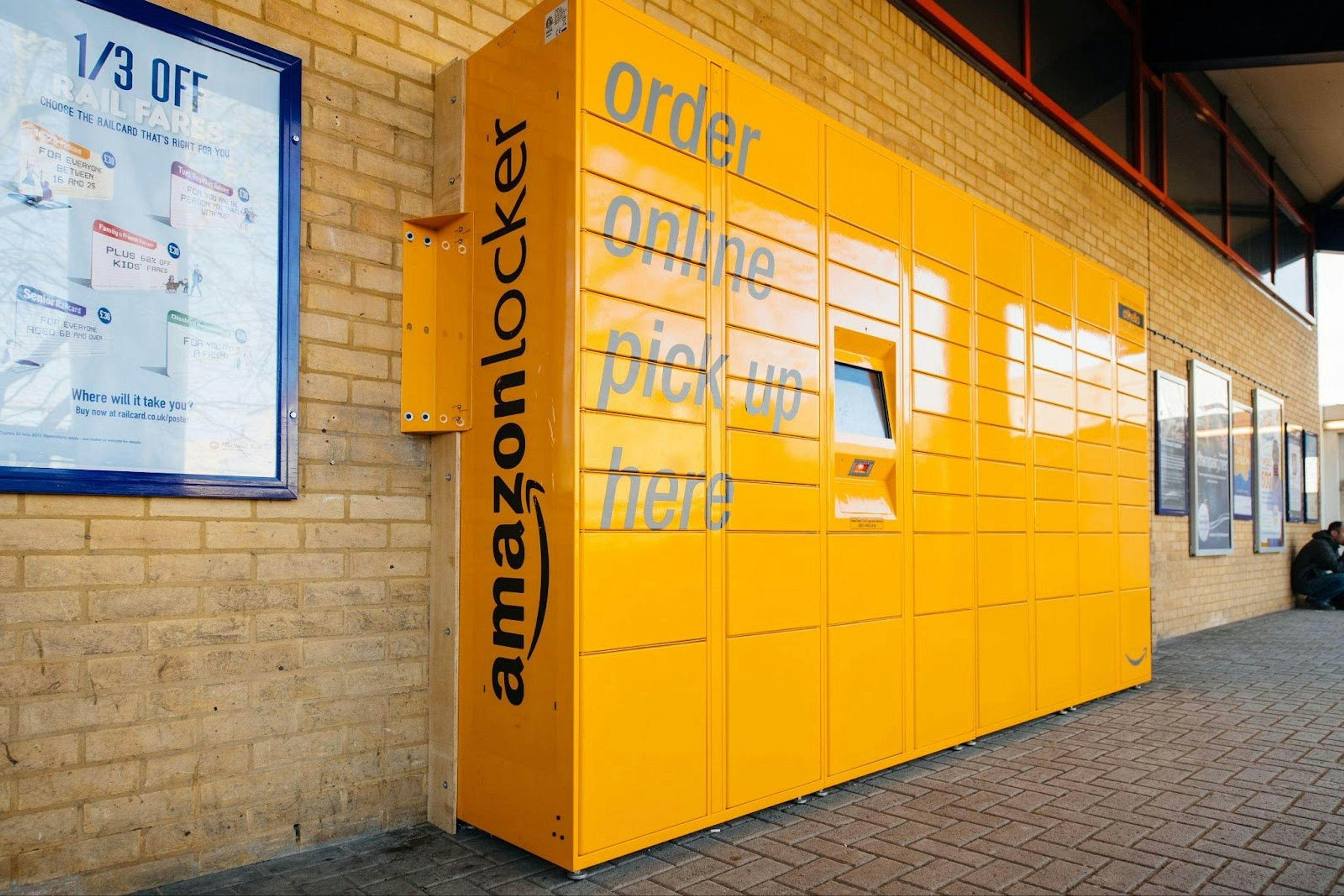
A locker is a self-service kiosk near the places you already visit. Amazon says it has more than 25,000 locker locations across the US, including more than 750 on more than 500 college campuses, as of its August 2026 update. You pick a locker as your delivery address, Amazon puts your package in a compartment, and an email tells you how to open it.
People use them when nobody is home during the day, when a building has no mailroom, or when they want a gift to stay a surprise.
How long can a package stay in an Amazon Locker?
Three calendar days. If you don't pick it up within three days, Amazon automatically returns the item and refunds you. Amazon's pickup page adds that pickup times vary by location and tells you to check your confirmation email, so read that email as soon as it arrives.
Amazon's pages don't offer an extension, so don't count on one. If something goes wrong, Amazon's customer service runs 24 hours a day, seven days a week, and the phone number is printed on every locker.
Hours depend on the location. The delivery email lists the locker's address and opening times, and you can check them again in Your Orders under View order details.
Apartment lockers work differently. Amazon says your package stays in the compartment until the property manager empties it to make room, so check with the property manager before you report a package missing.
How to use an Amazon Locker
1. Find a locker
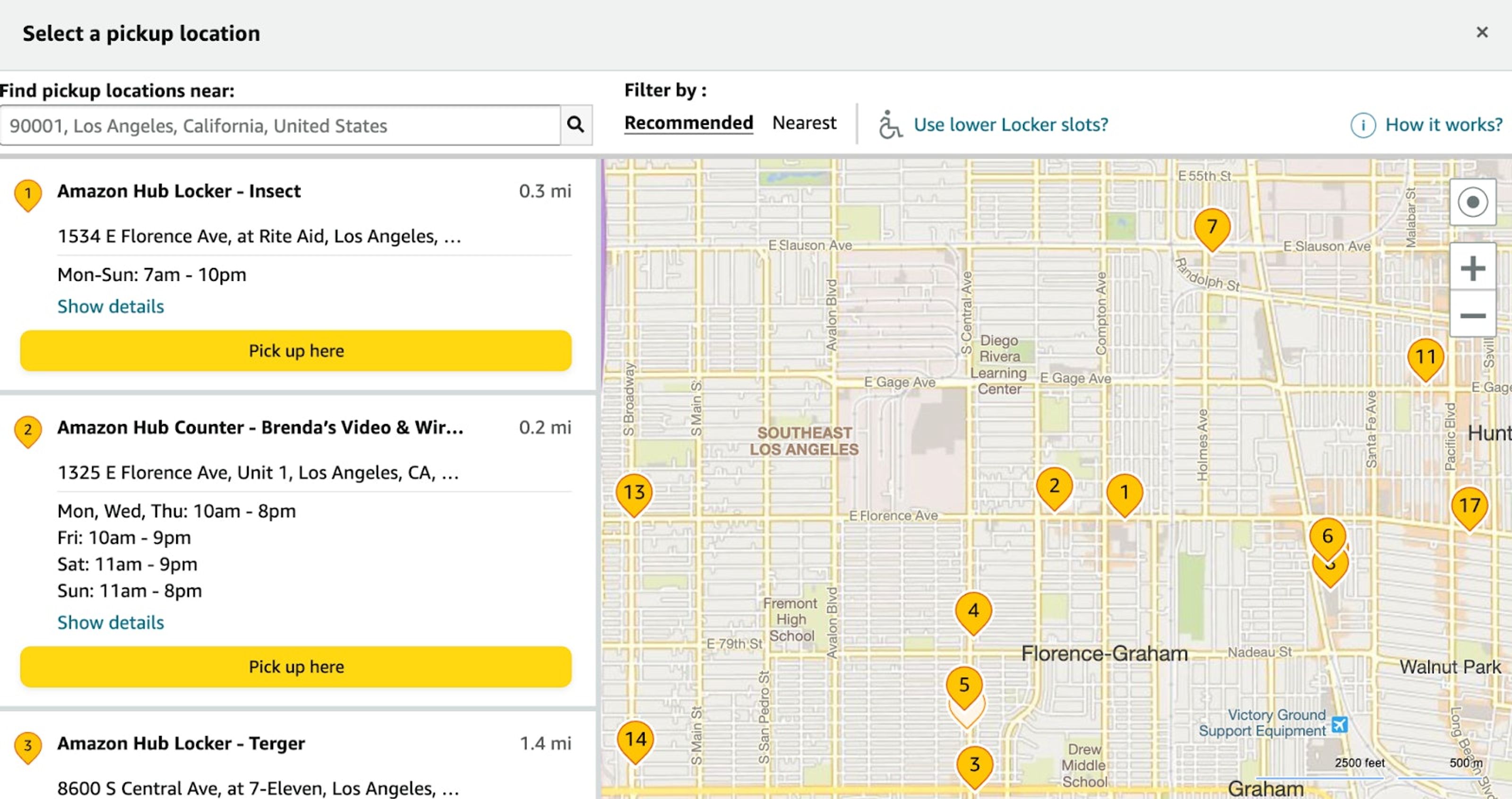
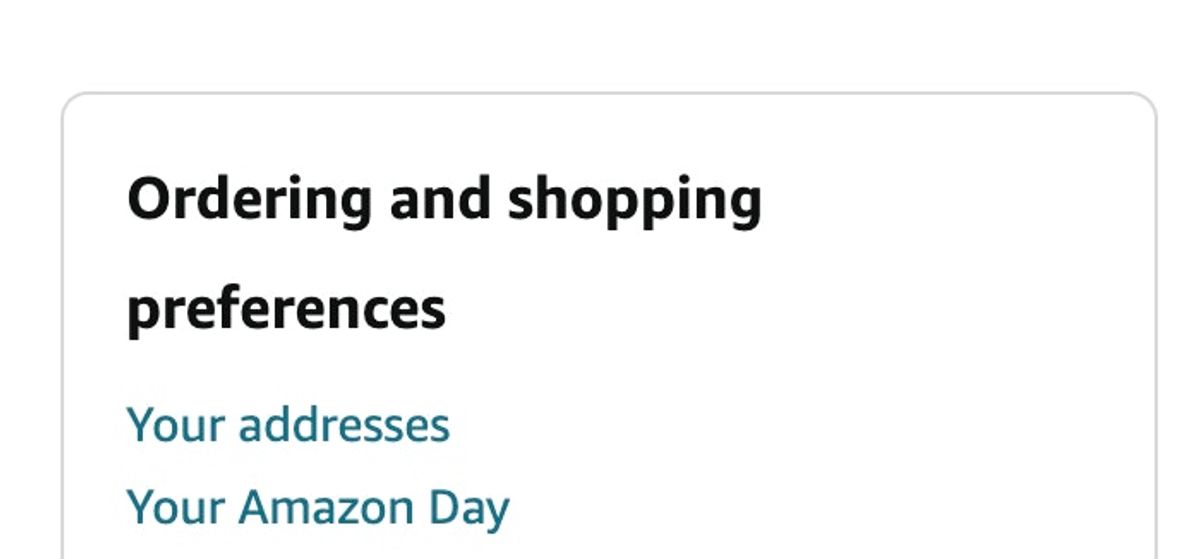
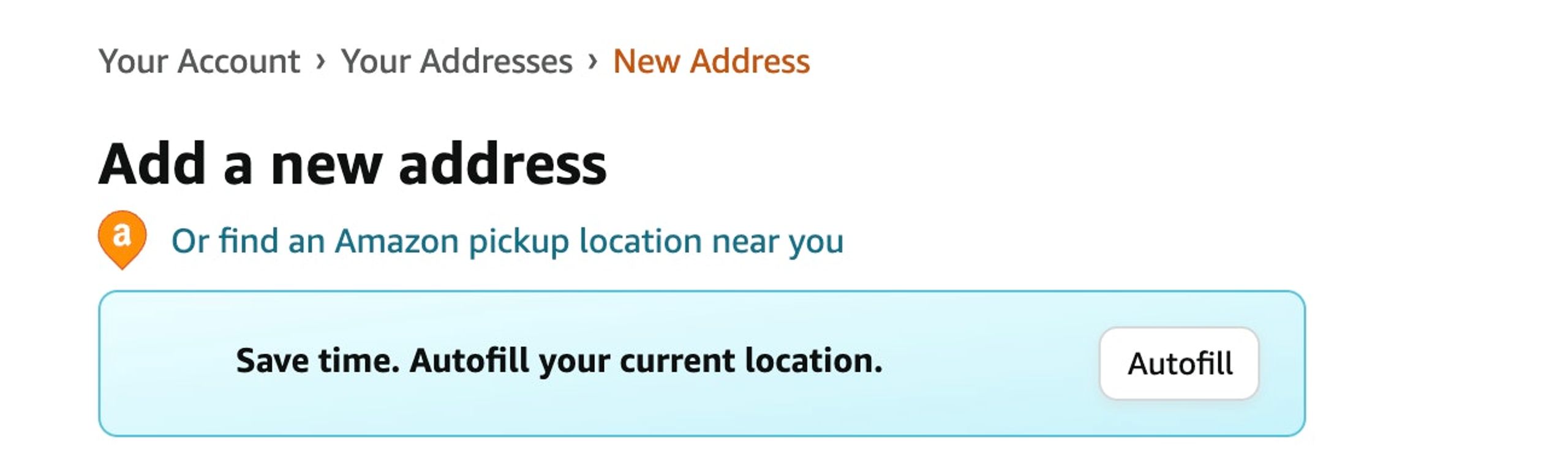
Search by address or ZIP code on Amazon's pickup page, then add the location to your address book. You can also add one from Your Addresses in your Amazon account. The location page shows hours and directions. You can only pick a locker that has space, so if one is full, choose another.
2. Order an eligible item
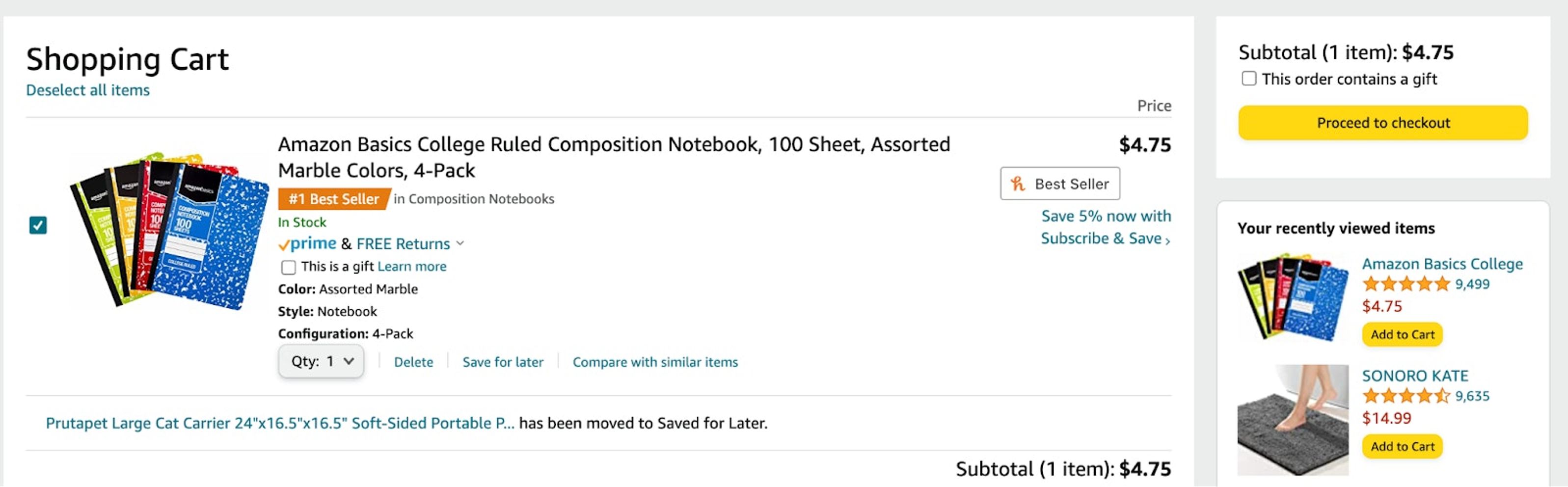
Add an eligible item to your cart and go to checkout, then choose the pickup location as your delivery address. Check the recipient name, because Amazon says a name entered incorrectly can stop the recipient from picking up the package. Don't type a locker's address in by hand. Amazon says its system won't recognize the order and can't deliver there. You can also save a pickup location as your default address.

3. Pick up your package
Wait for the delivery confirmation email, which tells you which type of locker you have. Amazon's collect page gives two sets of steps.
- Locker with a screen: open the email or go to Your Orders and select Track Package, find the 6-digit pickup code and barcode, then type the code on the touch screen or scan the barcode on the scanner under the screen. The right compartment opens.
- Locker without a screen: turn on Location and Bluetooth on your phone, open the email and select Start Pickup (or open Your Orders in the Amazon Shopping app and select Track Package), then select Start Pickup and Open Locker once you're connected.
On a screen locker you can use a written-down six-digit code, but some lockers need a barcode scan or the Shopping app, so bring your phone.
To have someone else collect it, forward them the delivery confirmation email. For a locker without a screen they need a smartphone with Bluetooth and the latest Amazon Shopping app.
What can and can't go in an Amazon Locker?
Amazon's eligibility list says an order qualifies for a locker when:
- The shipping weight is under 10 lbs.
- The product dimensions are smaller than 16 x 12 x 14 inches.
- All items are sold or fulfilled by Amazon.com.
- The total value is under $5,000.
- It has no hazardous materials.
- It has no Subscribe & Save items.
- It has no items shipping from other countries.
- It has no Release-Date Delivery items.
- The locker isn't a wishlist delivery address.
If your order doesn't qualify, you can't choose a locker at checkout. A Counter takes bigger packages, and UPS Access Points are a third option:
Pickup point | Size and weight limit | Good to know |
|---|---|---|
Amazon Locker | Under 10 lbs, smaller than 16 x 12 x 14 inches | Self-service, held three calendar days |
Amazon Counter | Up to 33 lbs, no larger than 36 x 24 x 24 inches | Staffed, and some retail partners have stricter limits |
UPS Access Point | Smaller than 38 x 38 x 38 inches | Under $5,000, no items that need special handling |
Amazon's pickup page says a Counter holds your package for seven days. At a Counter, you show the pickup code from your delivery email to the store associate, and Amazon notes that other kinds of pickup points can require a government-issued photo ID, so check which type you picked.
Does an Amazon Locker cost money?
Amazon says there is no additional cost to use a locker or counter. Shipping is a separate line. Prime members get free shipping on any order to a locker or counter, and without Prime you get free shipping to one on any order of $35 or more, according to the same page. Under $35 without Prime, your shipping charge shows at checkout.
What if you miss the pickup window?
Amazon returns the package and refunds you. It can't reship a package returned as undeliverable, so you would place a new order. Amazon says to expect the refund within 7 business days after it receives the return, and some banks add another 3 to 5 business days.
Amazon Locker FAQs
Can someone else pick up your package?
Yes. Forward them the delivery confirmation email, which holds the pickup code or the Start Pickup button.
Are Amazon Lockers safe?
Amazon calls them secure pickup locations. You get into your compartment with the code, barcode or app from your email, and every locker has a customer service number printed on it.
What if the locker is full?
You can only select a locker that has space at the time you order. If it's full, pick another location.
Can you return an item to a locker?
Some items, yes. Start in the Returns Center. If your return qualifies, you'll see a pickup location option. Amazon notes that not every pickup location accepts returns.
Do lockers have accessibility features?
Yes. Every locker has talking features, large high-contrast text and the option to choose lower slots, from 15 to 48 inches off the ground.
Do college campuses have Amazon Lockers?
Yes. Amazon lists more than 750 locker locations on more than 500 campuses.
What is the difference between a locker and a Counter?
A Counter is staffed, takes packages up to 33 lbs and holds them for seven days.
Track your locker order with Spoke Package Tracker
Waiting on a locker delivery? Put your tracking number into Spoke Package Tracker and follow the package until Amazon says it's in the locker. Spoke keeps it next to everything else you're expecting, and you can set up notifications so you know when to go.
Download Spoke Package Tracker for free, and read our Amazon tracking guide for the rest.
No locker nearby? Put a delivery box on your porch
A locker only helps if there's one near your home or commute. If there isn't, a porch delivery box does a similar job at your front door: the driver drops the parcel inside, and it stays out of sight until you get home.
A few to look at:
- The GULAIMOAO delivery box, a lockable, waterproof parcel container
- The Architectural Mailboxes Elephantrunk, a parcel box
- The Yale Smart Delivery Box, a delivery box with Wi-Fi
- A Master Lock padlock, if your box needs one
Check each listing for size and what comes in the box. Then add a delivery instruction to your address in Your Addresses telling drivers where to leave packages.
The short version
Pick a locker at checkout, use the code, barcode or app in your delivery email, and collect within three calendar days. There is no additional cost to ship to a locker. If you're also choosing a delivery speed, see our guide to next-day delivery on Amazon. If a package ended up at the wrong door, here's what to do, and if it's late, our late delivery refund guide has the steps.
Some links in this article are affiliate links: if you buy or sign up through them, we may earn a commission at no cost to you.